Skip to main content
How to rename Ventrix fixtures
- From the home screen, select the “Fixtures” tab.
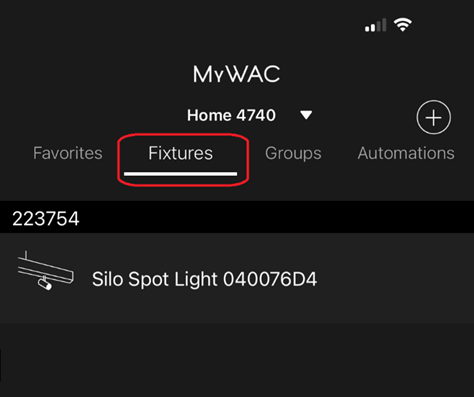
- Tap a fixture, then tap
 Settings in the top right.
 - Tap the current name. Pop up window allows you to rename fixture.
Multiple fixtures and not sure which one to rename first? - Tap “Find Me” at the bottom of the screen —this fixture will turn ON/OFF consecutively.

- Once you identify the fixture in the space, tap “Stop” at bottom of the screen, then name the fixture accordingly.

Comments
0 comments
Please sign in to leave a comment.